
Resident Portal

Your exciting new way to stay connected with us

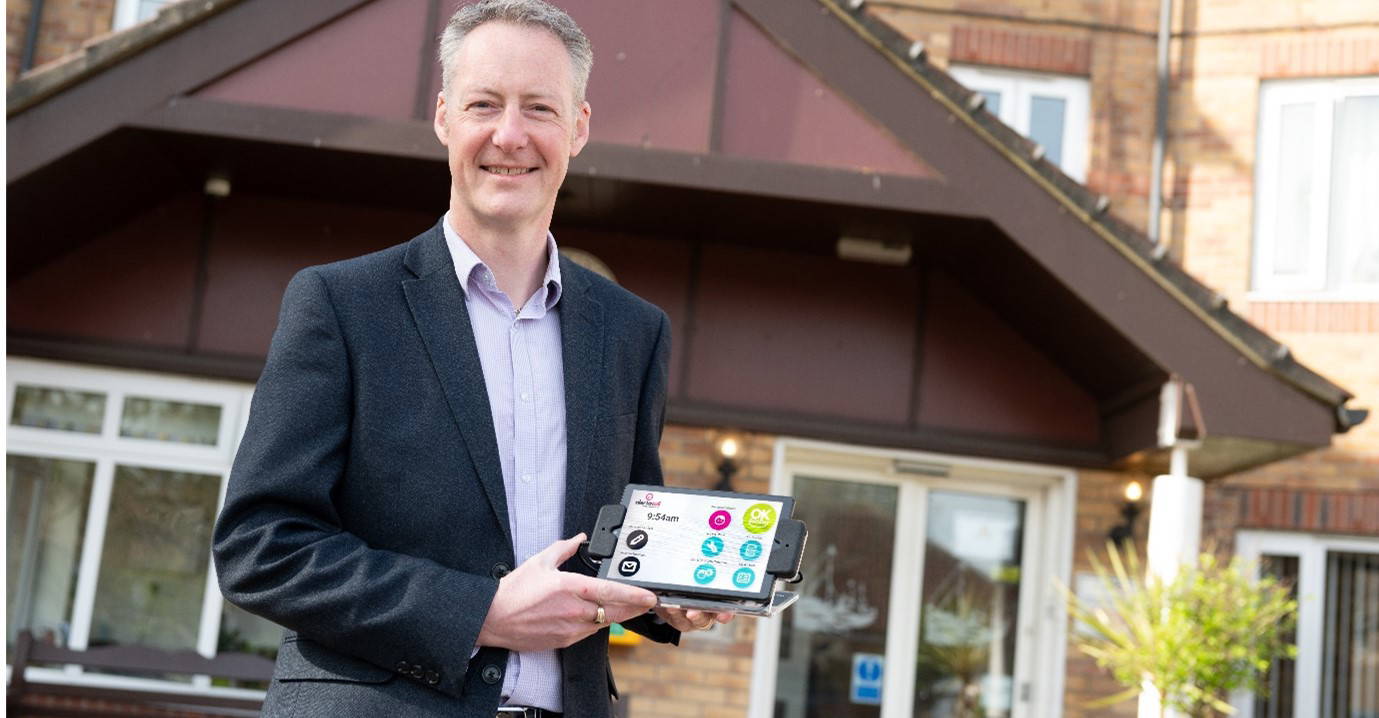
Your new touchscreen will help you communicate with PFH, making you safer and more secure in your property.

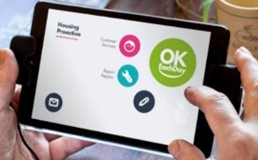
The PFH Connect service allows residents to send messages, report repairs and provide feedback to us at a time that’s convenient to them. It also allows residents to press an ‘OK Each Day’ button every day, so they and their family have some reassurance that if ever you didn’t press it, there will be someone to check up on the resident to make sure they are OK or escalate for help if there’s a problem.

The device also enables us to send residents updates and messages about our services and other useful information.
Resident Portal frequently asked questions

The touchscreen will go black overnight and will automatically wake up in the morning. The screen will also dim if you have not used the device for a period of time – this is to conserve energy. To wake up the touchscreen, simply press the screen and it will return to full brightness.

Check that the touchscreen is plugged in and the mains power is on. Leave it for 15 minutes and to power it on, press down the smaller of the two physical buttons on the top of the touchscreen for at least 6 seconds.

If you need help, press the ‘Alertacall Callback’ button on your touchscreen and one of our friendly team will call you back to guide you. You can also request a special pen, called a stylus, to help you use your touchscreen. How long will the battery last if unplugged? If the touchscreen is fully charged then the battery will last up to 2 days, depending on the level of use. We recommend you keep it plugged in.

The touchscreen is designed to use minimal electricity, and should only cost between 7 and 14 pence per week depending on your provider.

The MyPFH portal is currently undergoing some essential maintenance.
The PFH Application form is currently unavailable. Please check back in a week.